Hello and happy Friday! What could you do with three to five extra hours back in your day, every single day?
That is not a hypothetical. That is what our founder, Chris Raulf, gets back daily from a system he built on top of Claude AI, a virtual version of himself that quietly handles a big chunk of his work. In this week’s Friday SEO Tip, Chris walks through exactly how he built it and, more importantly, how you can build your own this weekend.
Watch the full video above to learn more.
Here is the thing about running a business. Time is the one resource you can never buy more of. Chris spends four to six hours a day on calls with various departments, and on top of that, he is constantly creating new content. For years, that meant a mountain of repetitive work sitting on top of everything else: writing emails, drafting proposals, processing meeting notes, turning long conversations into something useful. A virtual you takes most of that off your plate. Not by replacing you, but by knowing what you know and working the way you work.
Most AI tips you read are about a single clever prompt or a new tool to try. This one is different. This is about building a system, something that compounds in value every week you use it, and most business owners have no idea it is even possible with the tools already sitting in front of them. Let’s break down what it actually is and how to set one up.
What Exactly Is a Virtual You?
A virtual you is a virtual assistant built on top of a large language model that carries your knowledge, your voice, and your way of doing things. Chris calls his “Virtual Chris,” and at its core, it is simply a project inside Claude.
The difference between a virtual you and just chatting with a generic AI tool comes down to one word: knowledge. A generic chatbot knows what everyone knows. A virtual you knows what you know. Your business, your clients, your positioning, how you write, the things you would never say. That is what lets it draft an email or a proposal that actually sounds like you wrote it, instead of bland filler you have to rebuild from scratch. The first version saves you minutes. A well-fed version saves you hours.
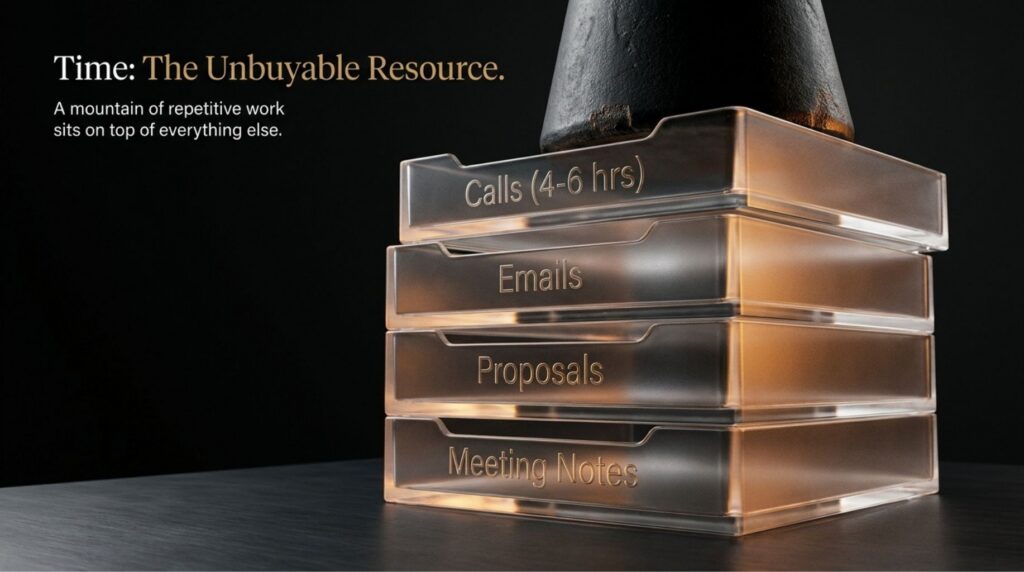
Chris uses his to help with emails, sales follow-ups, meeting processing, proposals, and just about anything that involves content or thinking. It doubles as a thinking partner, because it feeds on the knowledge he has loaded into it over time. The more he uses it, the sharper it gets.
A quick story makes the point better than any feature list. Chris recently met up with a friend, an executive at a high-tech company in Silicon Valley, who was in Denver for a day of customer meetings. They grabbed coffee, and before they could actually enjoy the city, she had to knock out a proposal. He asked if she had a virtual assistant set up on top of one of these large language models. She did not. So he pulled up Virtual Chris and showed her, and she was floored. Not by how powerful it was, but by how simple it was to set up and how much time it could hand back to her every day. That reaction is the whole reason Chris recorded this tip.
Why Sam Altman’s Vision Sounds a Lot Like What We Already Built
Chris was listening to a podcast with Sam Altman, the head of OpenAI, where Altman described what he called a universal assistant. A super competent colleague who holds all the knowledge you have and can do real work on your behalf, from writing emails to drafting proposals to creating copy for your website. You can read a write-up of Altman’s vision here.
Here is what is interesting. We were already building exactly that. Hearing one of the biggest names in AI describe it as something everyone will eventually need was simply confirmation that we were pointed in the right direction. And the part worth sitting with is this: the technology to build a genuinely competent virtual version of yourself is here right now. You do not have to wait for some polished future product to ship. You can open your laptop this weekend and start.

It Starts With Your Project and Your Instructions
The foundation is a project in Claude. If you have never used one, Claude’s own guide to creating and managing projects is a good place to start. You head to Projects in the left menu, name it something like “Virtual Your Name,” and create it. That part takes about thirty seconds.
Then comes the piece that matters most, and the piece most people rush: the instructions. This is where you tell your virtual you how to behave, what to help with, how you write, what you never do, and how you respond in different situations. Think of it as onboarding a brilliant new hire who happens to have zero context about you on day one. The more you put in here about who you are, what your business does, who you serve, and how you actually sound, the better everything it produces will be. Chris shares his example instructions in the blog post, so you are not starting at a blank page.
One of those instructions is not optional: the no-hallucination safeguard. AI will confidently invent things. That single instruction is what keeps your virtual you honest and on brand instead of drifting into made-up filler. And here is the part we tell everyone: no matter how good it gets, you read what it produces before it goes anywhere. The AI drafts. You approve. That order never changes.
Rollup Documents Are the Real Secret
This is the piece most people miss, and it is the one Chris actually coined a name for. A rollup document is a structured Google Doc that lives on your Drive and acts as part of your virtual you’s brain.
Chris is on calls all day, and every one of those conversations contains information his virtual self needs to create content as if he had written it himself. So, after a meeting, the relevant insights are distilled into a short entry and added to the appropriate rollup. The keyword there is right. He keeps a separate document for each area instead of one giant file. An AI Task Force rollup for the team building the microSEO.ai platform, a strategic intelligence rollup, and several others. The reason is practical, not fussy. The more focused each document is, the faster and cheaper it is for your AI to pull the correct information without burning through tokens reading material that has nothing to do with the task in front of it.
So if you run a business, resist the urge to dump everything into one mega-document. Build a few focused rollups organized by department or topic. It feels like more work up front, but it is the difference between a virtual you that answers in seconds and one that grinds through pages of irrelevant notes every time you ask it something. To save you from designing the structure yourself, Chris shares a ready-made rollup document template you can copy and adapt.

There is a bonus here, too. Over time, your virtual you also builds its own memory based on how you interact with it. You can even tell it directly, in the middle of a conversation, to remember something important. Between the instructions, the rollups, and that growing memory, your virtual self keeps getting more useful the longer you work with it.
Skills Mean You Never Repeat Yourself Twice
Here is a rule worth writing on a sticky note: if you find yourself doing the same thing more than twice, build a skill for it. A skill in Claude lets you save a set of instructions once and invoke it instantly instead of re-typing the same directions every time. If the feature is new to you, this short overview of how to use skills in Claude will get you oriented.
Chris showed two things he constantly leans on. The first is a rollup processor. He pastes in a raw meeting transcript, types a forward slash to pull up his saved skills, picks the processor, and hits enter. Claude reads the entire transcript, extracts what matters, formats it for easy retrieval, and even tells him which rollup document each entry belongs to. He copies the entry, drops it into the correct Google Doc, and just like that, the brain got a little smarter. He shares that rollup processor skill, so you can use the same setup.
The whole thing runs inside Claude, which is the model we rely on most here at Boulder SEO Marketing and over at Chris Raulf AI SEO. If you want to spin up your own project, you can get started directly on Claude.
Why You Have to Keep These Documents Lean
There is a catch nobody warns you about. These rollup documents balloon fast. One of Chris’s is already ninety pages long. The bigger they get, the more time and tokens your virtual you spends wading through them, which slowly chips away at the very efficiency you built the thing for.
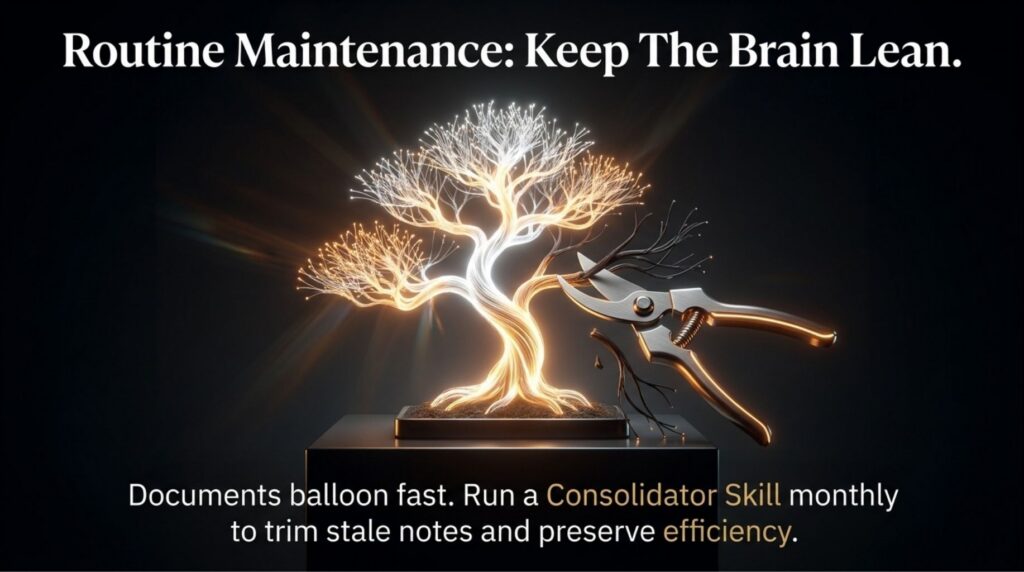
So Chris built a second skill, a consolidator. He drops in the link to a rollup, invokes the skill, and Claude trims the document down while keeping everything that still matters and cutting what has gone stale. His recommendation is to run this once a month so your documents stay lean and genuinely useful, rather than becoming a graveyard of old notes. He also shares the rollup consolidator skill, so you have the same maintenance routine from day one. For any of this to work, you need to connect your Google account to Claude so it can access your Drive, calendar, and email in one place.
What to Do Next
If you take one thing from this week’s tip, let it be this. The time you spend setting up a virtual you pays itself back almost immediately, and then it keeps paying. Chris walks through every step in detail in his complete guide, How to Build a Virtual You in Claude, including the example instructions and all three templates. We highly recommend reading it start to finish before you build, because the setup is where the hours come from.
And if you would rather hand this off to a team that already lives and breathes AI-assisted, human-driven work, that is exactly what we do every day for our clients. Reach out anytime, and let’s talk about what we can build for your business.
Have an amazing Friday and a great weekend.
Stay safe and healthy,
Cheers,
The Boulder SEO Marketing Team